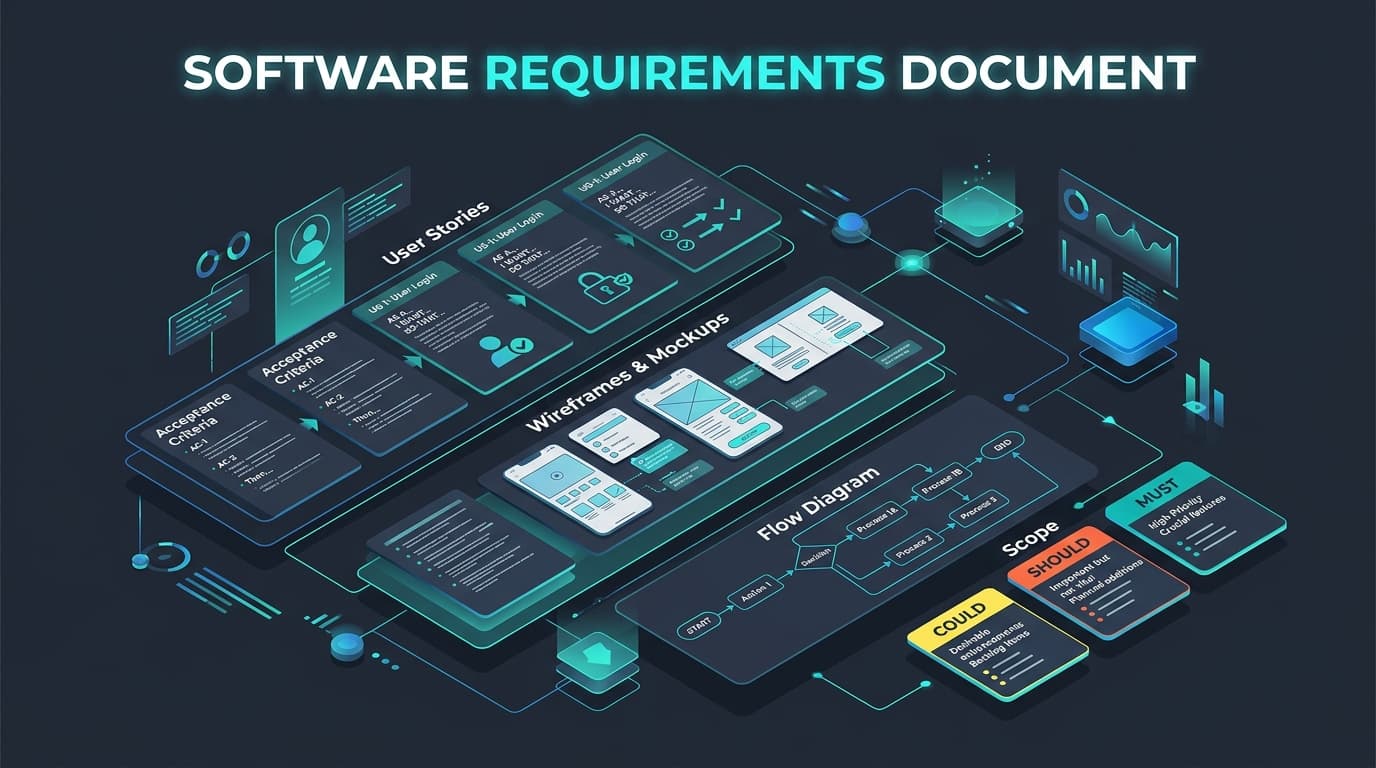
Most software projects that run over budget do not fail because of bad code. They fail because nobody wrote down clearly what the software should do. A good software requirements document (often called an SRS — Software Requirements Specification) turns ideas into something a team can estimate, design, build and test.
You do not need a 100-page specification. You need a focused document that answers the right questions. This guide shows you exactly what to include, with examples you can copy.
1. What a Requirements Document Is (and Is Not)
- It is: a shared agreement about the problem, the users, what the system must do, and how you will know it works.
- It is not: a technical design. Describe what and why; let your engineers propose how.
- It is a living document: in agile projects the core goals stay stable while detailed stories are refined sprint by sprint.
2. Software Requirements Document Template (Section by Section)
1) Overview and business goals
Two or three paragraphs on the problem and measurable success criteria. Example: "Customers currently request quotes by email, taking 48 hours on average. The portal should let them get an instant quote online, cutting response time to under 5 minutes and increasing quote-to-order conversion by 20%."
2) Users and roles
List every user type and what they can do: Customer, Sales Rep, Admin, Finance. Include rough numbers (e.g. 2,000 customers, 15 internal staff) — these affect architecture and cost.
3) Scope: in and out
The "out of scope" list is just as important. It prevents assumptions and protects your budget. Example: "Out of scope for v1: mobile apps, multi-currency, integration with the legacy warehouse system."
4) Functional requirements (user stories)
Write features as user stories with acceptance criteria so they can be tested:
User story:
As a returning customer,
I want to reorder a previous purchase in one click,
so that I can restock without searching the catalogue again.

Acceptance criteria (Given / When / Then):
- Given I am logged in and have at least one past order,
  When I open "Order history",
  Then each order shows a "Reorder" button.
- Given an item from the old order is out of stock,
  When I click "Reorder",
  Then the remaining items are added to my cart
  And I see a message listing the unavailable item.
5) Non-functional requirements
| Category | Example requirement |
|---|---|
| Performance | Pages load in under 2.5s (LCP) on a mid-range mobile on 4G |
| Scalability | Support 500 concurrent users at launch, 5,000 within 12 months |
| Availability | 99.9% uptime, excluding scheduled maintenance |
| Security | SSO for staff, MFA for admins, encryption at rest and in transit |
| Compliance | GDPR: data export and deletion on request |
| Accessibility | WCAG 2.2 AA |
| Browser/device support | Latest two versions of Chrome, Safari, Edge, Firefox; iOS and Android |
6) Integrations and data
List every external system (CRM, payment gateway, ERP, email provider), the direction of data flow, and who owns API access. Note any data that must be migrated from existing systems and its volume.
7) User flows and wireframes
Low-fidelity wireframes or simple flow diagrams for the key journeys (sign-up, checkout, core task) remove more ambiguity than pages of text.
8) Assumptions, constraints and risks
Budget limits, fixed deadlines, required technologies, third-party dependencies and anything still unknown.
3. Prioritise with MoSCoW
Label every requirement so the team knows what can move if time or budget gets tight:
- Must have — the product does not work or launch without it.
- Should have — important, but there is a temporary workaround.
- Could have — nice to have if time allows.
- Won't have (this time) — explicitly deferred to a later release.
A healthy first release keeps "Must haves" to roughly 60% of the estimated effort, leaving buffer for the unexpected. This is the core idea behind a lean MVP.
4. Common Mistakes to Avoid
- Vague words: "fast", "user-friendly", "secure". Replace them with measurable targets.
- Prescribing solutions: "Use a dropdown" instead of "Users need to select one of 40 regions quickly".
- Missing edge cases: What happens when payment fails, a user has no data yet, or an upload is too large?
- No owner for decisions: Name one product owner who can answer questions and approve changes.
- Forgetting admin and reporting: Back-office screens and exports are often 30% of the effort.
- Writing it alone: Review with real users and at least one engineer before finalising.
5. Quick Requirements Checklist
- Problem and measurable goals are defined.
- All user roles are listed with permissions.
- In-scope and out-of-scope lists are written.
- Every feature has a user story and acceptance criteria.
- Non-functional requirements have numbers.
- Integrations and data migration are documented.
- Key flows have wireframes.
- Everything is prioritised with MoSCoW.
- A single decision-maker is named.
Not sure where to start? ByteOperator runs structured discovery workshops that turn your idea into a clear, estimate-ready specification. Explore our MVP development and custom software development services, read how to choose a development partner, or talk to our team.
Related reading:
- How Much Does Custom Software Development Cost in 2026? A Complete Pricing Guide
- AI Agents for Business: How to Automate Operations in 2026 (With Real Use Cases)
- Headless Commerce vs Traditional Ecommerce: Which Architecture Is Right for Your Brand?
- Technical SEO Checklist for 2026: 30 Checks to Get Your Site Crawled, Indexed and Ranked
- How to Build a SaaS MVP in 2026: A Step-by-Step Guide from Idea to Launch
- Generative Engine Optimization (GEO): How to Get Your Brand Cited in AI Search
- Ecommerce Platform Migration: How to Replatform Without Losing SEO Rankings
- Custom Shopify App Development (2026): Architecture, Remix & GraphQL
- Enterprise AI Automation & Agentic Workflows: Architecture & Guardrails (2026)
- Full-Stack SaaS Architecture with Next.js App Router & PostgreSQL (2026)
- Shopify to Custom Platform Migration: Architecture & Execution (2026)
- Shopify Speed Optimization Guide 2026: Core Web Vitals, LCP & Performance Best Practices
- MERN Stack Web Development Guide 2026: MongoDB, Express, React & Node.js
- API Integration Best Practices 2026: REST, GraphQL, Webhooks & Third-Party Reliability
- eCommerce Conversion Rate Optimization (CRO) Guide 2026: Tactics, Testing & Checkout
- How to Measure ROI on AI Automation: A Business Guide for 2026
- Web3 & Blockchain Development Guide 2026: Smart Contracts, dApps & DeFi
- React Performance Optimization Guide 2026: Bundle Size, Rendering & React 19
- Multi-Tenant SaaS Architecture Guide 2026: Database Models, Isolation & Scaling
- eCommerce Email Marketing Strategy 2026: Automation Flows, Segmentation & Klaviyo
- Cloud Cost Optimization Guide 2026: AWS, GCP & Azure FinOps Strategies
- Enterprise RAG Architecture Guide 2026: Vector Search, Hybrid Retrieval & LLM Systems
- Event-Driven Architecture & Microservices: Kafka, RabbitMQ & Distributed Systems
- DevOps & CI/CD Pipeline Best Practices 2026: GitOps, Kubernetes & Zero-Downtime Releases
- Web Application Security & OWASP Top 10 Guide: Hardening Full-Stack Applications
- Headless CMS Architecture with Next.js 2026: Sanity, Strapi & Contentful Comparison
- GraphQL vs REST API Architecture: Performance, Scalability & Best Practices in 2026
- SQL vs NoSQL Database Selection: PostgreSQL, MongoDB, Redis & DynamoDB Comparison
- Enterprise Prompt Engineering & LLM Architecture: Production Techniques for 2026
- Monolithic vs Microservices Architecture in 2026: The Modular Monolith & Beyond
- Cross-Platform Mobile App Architecture: React Native vs Flutter vs Swift & Kotlin 2026
- Core Web Vitals in 2026: How to Fix INP, LCP & CLS (Step-by-Step Guide)
- How to Choose a Software Development Company: 12-Point Checklist for 2026
- n8n vs Zapier vs Make (2026): Which Workflow Automation Tool Should You Use?
- Technical Debt: How to Measure, Prioritise and Reduce It (Practical Guide)
Frequently asked questions
What is the difference between functional and non-functional requirements?
Functional requirements describe what the system does, such as "users can reset their password by email". Non-functional requirements describe how well it does it, such as performance, security, availability, accessibility and scalability targets.
How long should a software requirements document be?
Long enough to remove ambiguity and no longer. For an MVP, 8 to 20 pages including user stories and wireframes is typical. Large enterprise systems need more, but they are usually split into separate documents per module.
Do agile teams still need a requirements document?
Yes, but a lighter one. Agile teams keep a stable overview of goals, users, scope and non-functional requirements, then maintain detailed user stories in a backlog that is refined each sprint rather than fully specified upfront.
What is MoSCoW prioritisation?
MoSCoW is a prioritisation method that labels each requirement as Must have, Should have, Could have or Won’t have this time. It makes trade-offs explicit so a team can protect the launch date and budget by moving lower-priority items to later releases.