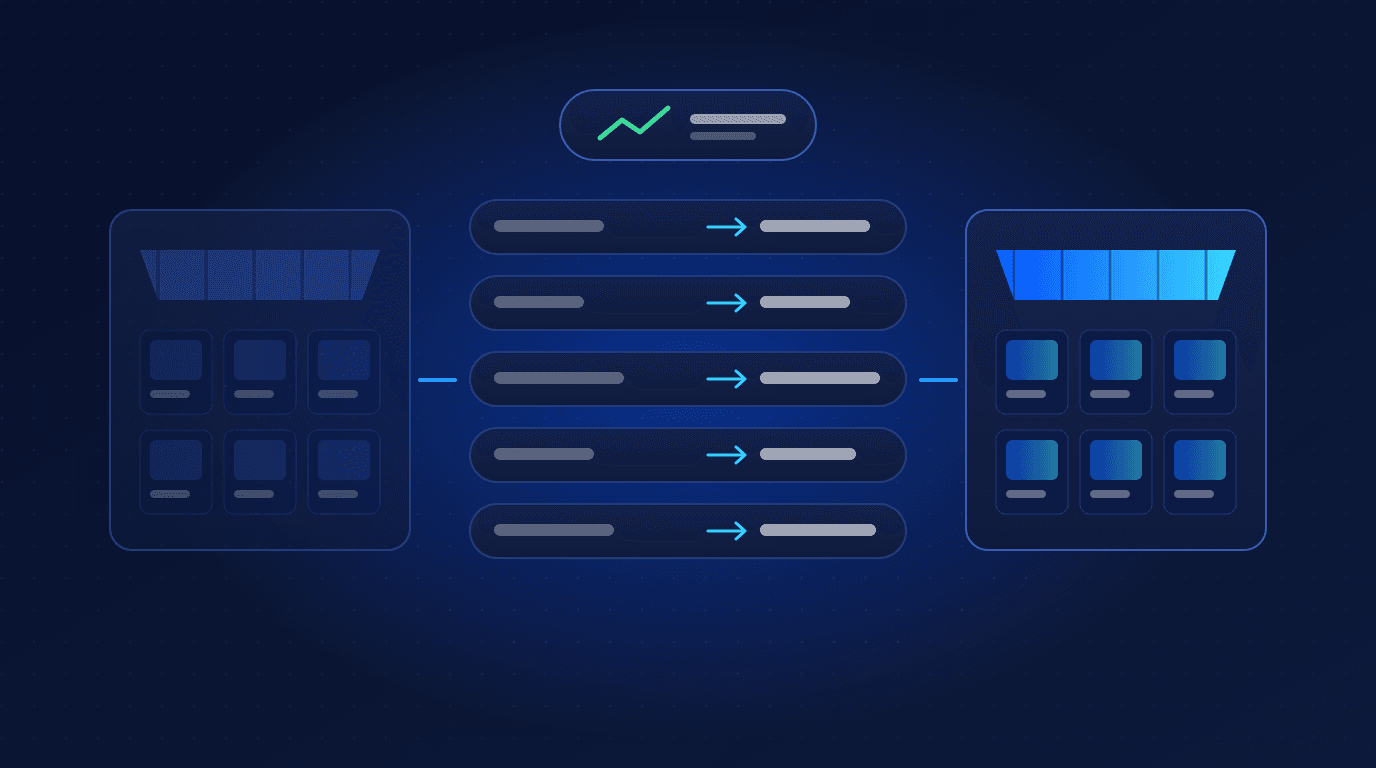
To migrate an ecommerce store without losing SEO, benchmark your current traffic and rankings, map every important old URL to its closest new equivalent with a 301 redirect, carry over titles, descriptions, content and structured data, test everything on a blocked staging site, and monitor crawling, indexing and traffic closely for several months after launch.
A platform migration, whether from Magento, WooCommerce, BigCommerce or Salesforce Commerce Cloud to a platform such as Shopify Plus or a headless build, is one of the riskiest moments for organic search. Most of that risk comes from a small number of avoidable mistakes. This guide covers the process we follow.
Why migrations lose rankings
Search engines rank individual URLs. When URLs change without a clear signal of where the content has moved, the history attached to the old URLs can be lost. The most common causes of lost traffic are:
- Missing or incorrect redirects, leaving old URLs returning 404 errors.
- Redirecting everything to the homepage instead of to the equivalent product or category page.
- Lost content, such as category descriptions, product copy, reviews or FAQs that were not migrated.
- Changed titles, meta descriptions and headings that weaken relevance for the queries a page ranked for.
- Staging settings left live, such as a sitewide noindex or a robots.txt that blocks crawling.
- Slower pages or new technical problems introduced by the new theme or apps.
Phase 1: Plan and benchmark before you move
- Crawl the current site with a crawler such as Screaming Frog or Sitebulb to capture every URL, title, meta description, heading, canonical and status code.
- Export performance data from Google Search Console and your analytics: top pages by clicks, revenue and backlinks, and the queries they rank for.
- Record key rankings and Core Web Vitals so you have a baseline to compare against after launch.
- Identify your most valuable URLs. These get the most careful mapping and testing.
- Choose the timing. Avoid launching just before your busiest trading period, and allow time to fix issues.
Phase 2: Map every URL and plan redirects
URL mapping is the heart of an SEO-safe migration. Build a spreadsheet with every old URL and its new destination:
- Products map to the same product on the new platform.
- Categories map to the equivalent collection or category.
- Content pages and blog posts map to their new versions.
- Discontinued items map to the closest relevant category or replacement, not the homepage.
- Old redirects are updated so they point directly at the final URL, avoiding redirect chains.
Use permanent 301 redirects, keep them in place long term, and keep URLs as similar as the new platform allows. Where the platform imposes a fixed URL structure (Shopify, for example, uses /products/ and /collections/ paths), redirect mapping becomes even more important.
Phase 3: Migrate data and SEO content
Move more than just products and prices. Make sure the new store carries over:
- Page titles, meta descriptions, H1s and on-page copy for products, categories and content pages.
- Product attributes, variants, images and image alt text.
- Customer reviews and ratings, where the platform allows.
- Blog posts, guides and FAQs, with their internal links updated to the new URLs.
- Structured data for products, breadcrumbs, organisation and articles.
- Canonical tags, hreflang for international stores and XML sitemaps.
Customer accounts, order history and integrations with ERP, CRM and fulfilment systems need their own plan. Our integrations team handles these connections as part of a migration.
Phase 4: Test on staging
Build and test the new store on a staging environment that search engines cannot index (password protection is the safest method). Before launch, check:
- Every redirect in your map resolves in a single hop to a page returning a 200 status.
- No important page is missing, blocked or set to noindex by mistake.
- Titles, descriptions, headings and structured data match the plan.
- Internal links point directly at new URLs rather than through redirects.
- Page speed and Core Web Vitals are at least as good as the old site on key templates.
- Analytics, conversion tracking and marketing tags fire correctly.
Phase 5: Launch day checklist
- Remove staging protection and any sitewide noindex tag.
- Confirm robots.txt allows crawling of important pages.
- Switch DNS and confirm HTTPS works on every domain variant.
- Run your redirect map against the live site and fix any failures immediately.
- Submit the new XML sitemap in Google Search Console and Bing Webmaster Tools.
- Test purchases, payments and emails end to end.
Phase 6: Monitor after launch
Some fluctuation after a migration is normal while search engines recrawl the site. Watch closely for the first weeks and keep monitoring for several months:
- Search Console coverage and crawl errors, especially new 404s from URLs missed in the map.
- Organic traffic, rankings and revenue for your most valuable pages, compared with the benchmark.
- Server logs or crawl stats to confirm search engines are discovering the new URLs.
- Core Web Vitals field data as real user data comes in.
Fix missed redirects as soon as you find them. The faster problems are corrected, the less impact they have.
Choosing a migration partner
An SEO-safe migration needs developers and SEO specialists working from the same plan. Ask any partner how they handle URL mapping, redirect testing, content migration and post-launch monitoring, and who is responsible for each. You can read how we approached an enterprise move in the OmniRetail migration case study, and see our platform migration services, including Magento and WooCommerce migrations, and our dedicated SEO migration service. Or talk to us about your migration.
Related reading:
- How Much Does Custom Software Development Cost in 2026? A Complete Pricing Guide
- AI Agents for Business: How to Automate Operations in 2026 (With Real Use Cases)
- Headless Commerce vs Traditional Ecommerce: Which Architecture Is Right for Your Brand?
- Technical SEO Checklist for 2026: 30 Checks to Get Your Site Crawled, Indexed and Ranked
- How to Build a SaaS MVP in 2026: A Step-by-Step Guide from Idea to Launch
- Generative Engine Optimization (GEO): How to Get Your Brand Cited in AI Search
Frequently asked questions
Will I lose SEO rankings when I change ecommerce platforms?
Not if the migration is planned well. Short-term fluctuation is common while search engines recrawl the site, but with complete 301 redirects, migrated content and metadata, and careful testing, rankings usually recover and can improve if the new site is faster and better structured.
What is a 301 redirect and why does it matter in a migration?
A 301 redirect permanently sends visitors and search engines from an old URL to a new one. It tells search engines that the content has moved, so the ranking signals built up by the old URL can pass to the new one.
Should I redirect old product URLs to the homepage?
No. Redirect each old URL to the most relevant new page, such as the same product or its category. Mass redirects to the homepage are usually treated like missing pages and lose the relevance of the original URL.
How long does it take for rankings to recover after a migration?
For a well-executed migration, many sites see rankings settle within a few weeks, while larger sites can take several months to be fully recrawled. Monitoring Search Console and fixing issues quickly shortens the recovery period.
How long should I keep redirects in place after a migration?
Keep them long term. Old URLs can still receive links, bookmarks and search engine visits for years, and removing redirects later can turn that traffic into 404 errors.