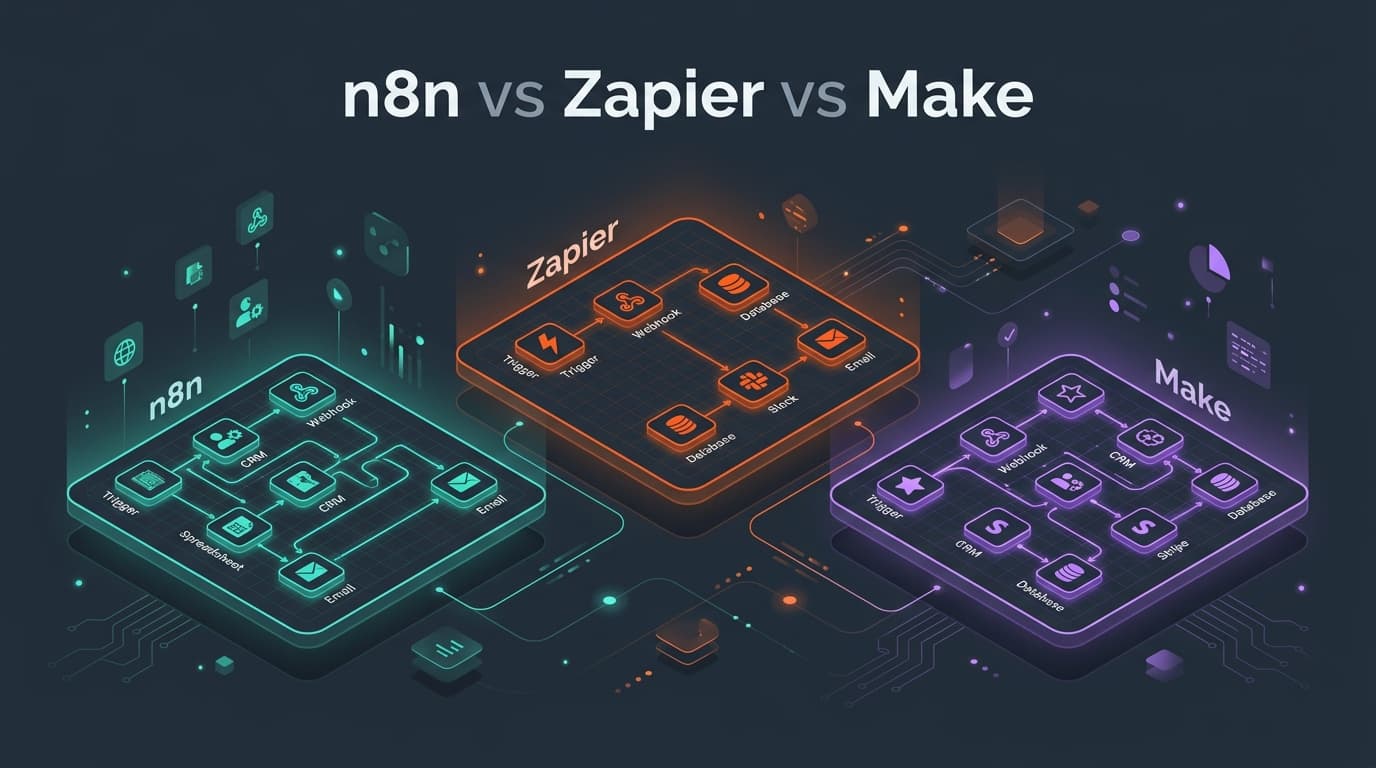
Workflow automation tools connect the apps your business already uses — CRM, email, spreadsheets, payments, support desks — so data moves without anyone copying and pasting. The three most popular platforms are Zapier, Make (formerly Integromat) and n8n. They solve the same problem in very different ways.
This comparison helps you choose based on who will build the workflows, how many tasks you will run, and how sensitive your data is.
1. Quick Verdict
- Choose Zapier if non-technical teams need to build simple automations quickly and you value the largest app library.
- Choose Make if you need visual, multi-branch workflows with data transformation at a lower cost per operation.
- Choose n8n if you have technical people, want to self-host for data privacy, need custom code, or run high volumes where per-task pricing gets expensive.
2. Side-by-Side Comparison
| Factor | Zapier | Make | n8n |
|---|---|---|---|
| Ease of use | Easiest; linear step builder | Moderate; visual canvas | Moderate to technical; node canvas |
| App integrations | Largest library (thousands of apps) | Large library | Smaller core library + any API via HTTP node |
| Pricing unit | Per task (each action step) | Per operation/credit | Per workflow execution (cloud) or free self-hosted |
| Complex logic | Paths and filters; can get costly | Strong: routers, iterators, aggregators | Strong: branching, loops, merges, sub-workflows |
| Custom code | Limited code steps | Limited | Full JavaScript/Python nodes, npm packages (self-hosted) |
| Self-hosting | No | No | Yes (Docker, Kubernetes) |
| AI agents | AI steps and agents | AI modules and agents | Native LangChain-based AI agent, memory, tools and vector store nodes |
| Best for | Marketing, sales and ops teams | Ops teams and agencies | Technical teams, regulated data, high volume |
Pricing and features change frequently — always confirm current plans on each vendor's website.
3. Pricing: Why the Unit Matters More Than the Plan
The single biggest cost difference is what each platform counts.
Imagine a workflow that runs 1,000 times a month: a new order arrives, then 5 steps run (look up customer, update CRM, add to spreadsheet, send Slack alert, send email).
- Zapier counts each successful action as a task: about 5,000 tasks.
- Make counts each module run as an operation: roughly 6,000 operations (including the trigger).
- n8n Cloud counts a full workflow run as one execution: 1,000 executions. Self-hosted n8n has no execution limit — you pay only for the server.
For a handful of simple automations the difference is small. For workflows that loop over hundreds of records, it can be the difference between a few dollars and several hundred dollars per month.
4. Data Privacy and Compliance
With Zapier and Make, your data passes through the vendor's cloud. Both offer security certifications and data-processing agreements, which is sufficient for most businesses. If you handle health data, financial records or strict data-residency requirements, self-hosted n8n keeps every payload inside your own infrastructure.
5. Building AI Workflows
All three platforms now support AI steps such as summarising emails, classifying support tickets or drafting replies. For more advanced AI agents that use tools, memory and your own knowledge base (RAG), n8n's agent and vector store nodes offer the most control, while Zapier and Make are quicker for simple "send text to a model, use the response" steps.
6. Real Examples by Team
- Sales: New form lead → enrich company data → create CRM deal → assign owner → notify in Slack.
- E-commerce: New order → check stock → create shipping label → update inventory → send review request after delivery.
- Support: New ticket → AI classifies urgency and topic → route to correct team → draft suggested reply.
- Finance: Paid invoice in Stripe → create record in accounting software → update revenue dashboard.
7. When to Move Beyond No-Code Tools
Automation platforms are excellent until they are not. Consider custom automation or integration development when:
- Monthly automation bills grow faster than the value they deliver.
- Workflows become so complex that only one person understands them.
- You need guaranteed delivery, retries, audit logs and monitoring for business-critical processes.
- You hit rate limits, timeouts or missing API features.
- The automation is part of your product, not just internal operations.
A common, cost-effective pattern is a hybrid: keep simple automations in Zapier or Make, and move critical, high-volume flows to n8n or a custom service built on robust API integration best practices.
Need help designing, migrating or scaling your automations? ByteOperator builds AI automations and agents and custom system integrations. Tell us about your workflows and we will recommend the most cost-effective approach.
Related reading:
- How Much Does Custom Software Development Cost in 2026? A Complete Pricing Guide
- AI Agents for Business: How to Automate Operations in 2026 (With Real Use Cases)
- Headless Commerce vs Traditional Ecommerce: Which Architecture Is Right for Your Brand?
- Technical SEO Checklist for 2026: 30 Checks to Get Your Site Crawled, Indexed and Ranked
- How to Build a SaaS MVP in 2026: A Step-by-Step Guide from Idea to Launch
- Generative Engine Optimization (GEO): How to Get Your Brand Cited in AI Search
- Ecommerce Platform Migration: How to Replatform Without Losing SEO Rankings
- Custom Shopify App Development (2026): Architecture, Remix & GraphQL
- Enterprise AI Automation & Agentic Workflows: Architecture & Guardrails (2026)
- Full-Stack SaaS Architecture with Next.js App Router & PostgreSQL (2026)
- Shopify to Custom Platform Migration: Architecture & Execution (2026)
- Shopify Speed Optimization Guide 2026: Core Web Vitals, LCP & Performance Best Practices
- MERN Stack Web Development Guide 2026: MongoDB, Express, React & Node.js
- API Integration Best Practices 2026: REST, GraphQL, Webhooks & Third-Party Reliability
- eCommerce Conversion Rate Optimization (CRO) Guide 2026: Tactics, Testing & Checkout
- How to Measure ROI on AI Automation: A Business Guide for 2026
- Web3 & Blockchain Development Guide 2026: Smart Contracts, dApps & DeFi
- React Performance Optimization Guide 2026: Bundle Size, Rendering & React 19
- Multi-Tenant SaaS Architecture Guide 2026: Database Models, Isolation & Scaling
- eCommerce Email Marketing Strategy 2026: Automation Flows, Segmentation & Klaviyo
- Cloud Cost Optimization Guide 2026: AWS, GCP & Azure FinOps Strategies
- Enterprise RAG Architecture Guide 2026: Vector Search, Hybrid Retrieval & LLM Systems
- Event-Driven Architecture & Microservices: Kafka, RabbitMQ & Distributed Systems
- DevOps & CI/CD Pipeline Best Practices 2026: GitOps, Kubernetes & Zero-Downtime Releases
- Web Application Security & OWASP Top 10 Guide: Hardening Full-Stack Applications
- Headless CMS Architecture with Next.js 2026: Sanity, Strapi & Contentful Comparison
- GraphQL vs REST API Architecture: Performance, Scalability & Best Practices in 2026
- SQL vs NoSQL Database Selection: PostgreSQL, MongoDB, Redis & DynamoDB Comparison
- Enterprise Prompt Engineering & LLM Architecture: Production Techniques for 2026
- Monolithic vs Microservices Architecture in 2026: The Modular Monolith & Beyond
- Cross-Platform Mobile App Architecture: React Native vs Flutter vs Swift & Kotlin 2026
- Core Web Vitals in 2026: How to Fix INP, LCP & CLS (Step-by-Step Guide)
- How to Choose a Software Development Company: 12-Point Checklist for 2026
- How to Write a Software Requirements Document (SRS) — Free Template & Examples
- Technical Debt: How to Measure, Prioritise and Reduce It (Practical Guide)
Frequently asked questions
Is n8n cheaper than Zapier?
For most medium and high-volume use cases, yes. n8n Cloud charges per full workflow execution rather than per step, and the self-hosted version has no execution limits — you only pay for hosting. Zapier can be cheaper and faster for a small number of simple automations built by non-technical users.
Which is easier to use: Zapier, Make or n8n?
Zapier is the easiest, with a linear step-by-step builder designed for non-technical users. Make uses a visual canvas that is more powerful but takes longer to learn. n8n is the most flexible and suits users comfortable with data structures, APIs and occasional code.
Can I self-host Zapier or Make?
No. Zapier and Make are cloud-only services. n8n is the only one of the three that can be self-hosted on your own servers using Docker or Kubernetes, which is useful for data privacy, compliance and cost control.
When should a business build custom automation instead?
Custom automation makes sense when workflows are business-critical, very high-volume, highly complex, or part of your product. It provides better reliability, monitoring, error handling and long-term cost control than no-code tools at scale.